Data Intelligence APIs: Turning Fragmented Business Data into Revenue
Most revenue problems are, underneath, information problems. A team that wants to grow revenue has to find the right companies, understand them quickly, decide which ones deserve attention this week, and reach out when the timing is right. Each of those steps depends on data that usually is not in the CRM system: what industry a company is actually in, how large it is, who runs it, what technology it uses, who its competitors are, and whether anything has changed recently that makes it more likely to buy.
That information exists. The difficulty is that it is spread across public filings, websites, press coverage, job boards, technology registries, and a dozen other places, and gathering it by hand does not scale past a short list of top accounts. The rest of the database gets worked with whatever is already in the record, which is often a name, an email domain, and not much else.
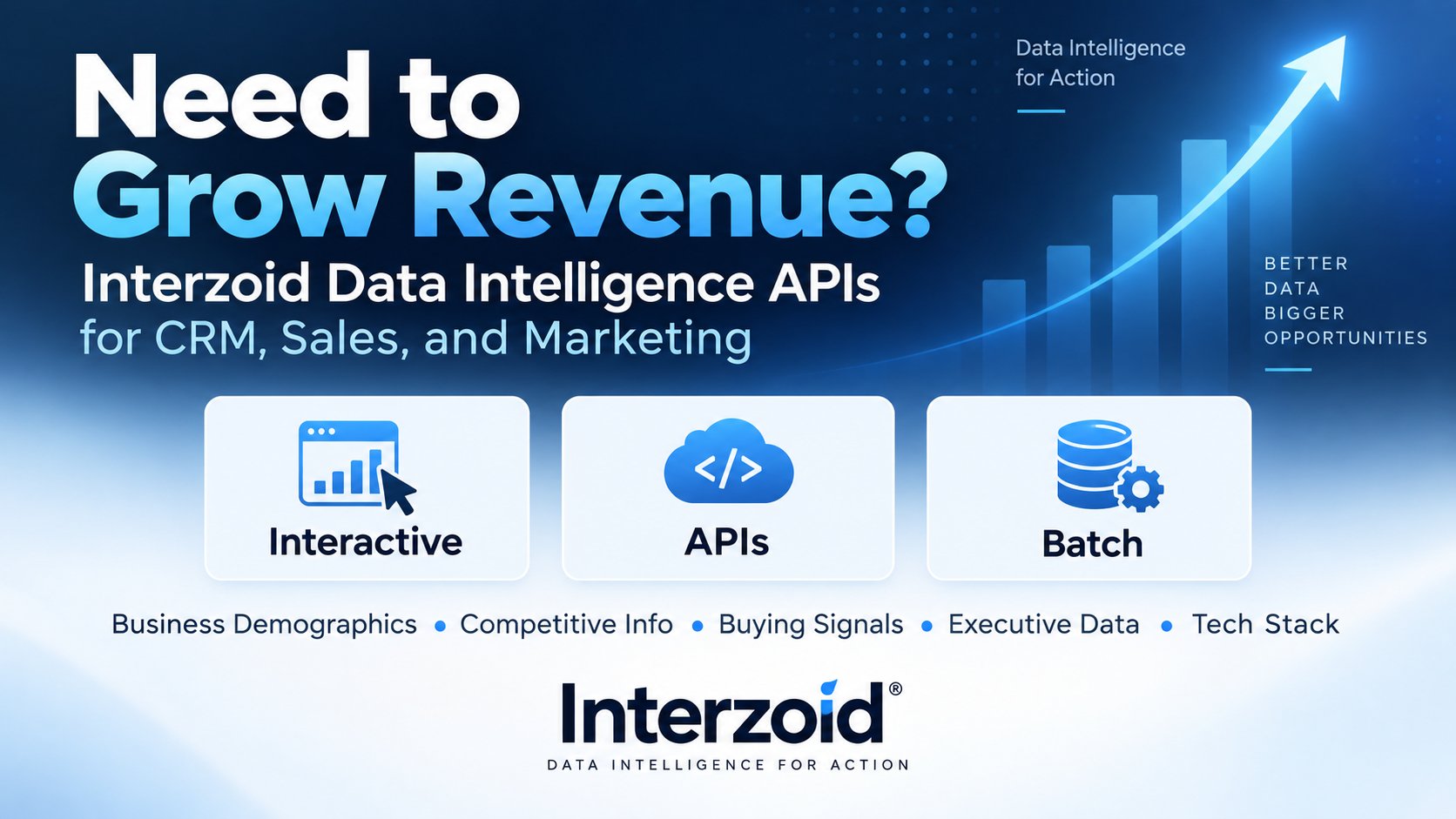
Interzoid Data Intelligence APIs close that gap. Each API takes a simple input, usually a company name or website domain, and returns a structured, field-by-field answer that can be read on screen, written back to a CRM record, or appended to every row of a dataset in high-speed batch mode. The same intelligence is available three ways: interactively for research, through REST APIs for real-time integration, and in batch for enriching entire customer, prospect, or marketing lists.
Interactive Research | Data Intelligence APIs | Batch Enrichment (Enrich Wizard)
Where Revenue Teams Lose Time
The gap between a raw list and a high-value usable one shows up in the same four places on almost every sales and marketing team:
- Finding the right companies. Targeting rules depend on attributes such as industry, size, geography, and technology, and those attributes are missing or inconsistent across most records.
- Understanding them faster. Pre-call research is done one account at a time, by whoever has a spare hour, with results that vary from rep to rep.
- Prioritizing opportunities. Without a consistent basis for ranking, the list gets worked in the order it was imported.
- Engaging at the right time. The events that open a buying window, such as a new executive or a funding round, are noticed late or not at all.
None of these is a motivation problem. They are data problems, and they respond to the same fix: inserting the missing context directly into the systems the team already uses, at the moment it is needed.
What the Data Intelligence APIs Cover
The APIs are organized around the questions a revenue team actually asks about a company. Each one returns a structured set of named fields, so results are as easy to append to a spreadsheet column as they are to read on a screen.
Business Demographics and Firmographics
Company description, size, headquarters, revenue, and other related attributes that drive segmentation and territory design.
Industry and SIC Classification
Primary and additional NAICS and SIC codes with titles, so filtering and reporting by industry work the same way across every record.
Competitive Intelligence
Who a company competes with and how it positions itself, useful for account planning and for spotting adjacent prospects.
Buying Signals and Growth Indicators
Leadership changes, funding events, hiring surges, technology shifts, and expansion moves, summarized with a Signal Strength Score and a recommended outreach window.
Executive and Leadership Information
Leadership roles and profiles that turn a decision-maker title into a real person to contact.
Technology Stack Intelligence
The platforms, frameworks, and services a company's website is built on, which is often the fastest way to qualify technical fit.
Parent Company Intelligence
The ultimate parent information to help determine connected prospects and overall value.
How the APIs Work
Every Data Intelligence API follows the same pattern, which keeps integration simple whether you are calling one endpoint or several in sequence.
Provide a Company Name or Domain
From a CRM record, a lead form, a spreadsheet, or a target list.
Interzoid Gathers and Analyzes
AI analysis across public sources and internal sources returns a structured result with named fields.
Append the Result
Write the fields back to the record, the row, or the application or API that asked.
Act on It
Segment, rank, route, and reach out using data that is now consistent across the list.
Two representative calls, one by company name and one returning a domain:
https://api.interzoid.com/getbusinessinfo?license=[licensekey]&lookup=[company name]
Responses are JSON, work from any programming language or platform, and include a credit count so usage is easy to track. Product pages include cURL examples and, for a growing number of APIs, OpenAPI specifications. Many endpoints also accept a language parameter for international teams who want responses in their own language.
Three Ways to Use the Same Intelligence
Different people on a revenue team need the same information in different forms. An SDR preparing for a call wants an answer interactively on screen. A developer wants an endpoint. An operations analyst wants a whole file done at once. The Data Intelligence APIs support all three without any change to the underlying data.
Interactive Research and Discovery
Browser-based applications for anyone who needs an answer now, with no code and no setup. Look up a company and see the full result formatted on screen. Useful for pre-call research, qualifying an inbound lead, or evaluating an API before integrating it.
APIs for Real-Time Workflows
A single HTTPS call returns structured JSON ready to write into CRM fields, marketing automation, enrichment pipelines, AI agents, or custom applications. Trigger it when a lead is created, run it on a nightly refresh, or expose it inside your own tools.
Batch Processing for Entire Datasets
The Enrich Wizard runs any of these APIs across an entire CSV or TSV file on Interzoid's parallel-processing cloud platform. Upload a customer, prospect, or market list, choose the API, and download the same file with the new fields appended to every row, typically in minutes.
Matching Data to Revenue Actions
Each category of intelligence answers a different question, and each question maps to a concrete step in the sales or marketing process.
| Question | Data That Answers It | What the Team Does With It |
|---|---|---|
| Is this company in our market? | Industry and SIC codes, firmographics | Build accurate segments and territories, drop out-of-scope records. |
| Is this the same company we already know? | Official name, primary domain | De-duplicate, merge records, and join datasets on a consistent key. |
| Is there a technical fit? | Technology stack | Qualify or disqualify before a rep spends time. |
| Who else is in this picture? | Competitive intelligence | Plan the account and find adjacent prospects. |
| Is anything changing right now? | Buying signals and growth indicators | Rank the list by signal strength and sequence outreach by timing. |
| Who should we talk to? | Executive and leadership information | Turn a decision-maker title into a named contact. |
| Where are they? | Locations, properties, and facilities | Assign regions, plan events, and track expansion. |
Practical Workflows
A few ways teams put the three access modes together:
- Clean and classify the whole CRM: export the account list, run it through the Enrich Wizard to append official names, domains, and industry codes, then import the results to fix segmentation across every record at once.
- Enrich leads as they arrive: call a Data Intelligence API from the lead-creation event in your CRM so firmographics, industry, and buying signals are populated before a rep ever opens the record.
- Prioritize a target account list: run the Buying Signals API in batch, then sort the output by Signal Strength Score and Recommended Timing to decide who gets attention this week.
- Prepare for a call: open the interactive tools, look up the account, and walk in knowing the company's industry, technology, competitors, and recent changes.
- Build trigger-based campaigns: segment marketing audiences by industry code, technology stack, or signal category and tailor messaging to each group.
- Keep records current: re-run enrichment on a monthly or quarterly schedule so intelligence reflects what is true now rather than when the record was created.
Why It Adds Up to Revenue
None of these APIs sells anything by itself. What they do is remove the friction between having a list and being able to act on it well. When every record carries the same consistent context, the team can:
- Identify opportunities that were hidden behind incomplete or inconsistent data.
- Improve targeting with segments built on real attributes instead of guesses.
- Enrich CRM records so sellers and marketers work from the same, current picture.
- Prioritize prospects by fit and by timing rather than by list order.
- Engage with relevance, because the reason to reach out is specific and current.
Time that used to go to research goes to conversations instead, and those conversations start from a better place.
Getting Started
Getting started takes a few minutes, whichever path fits your workflow.
- Register for an Interzoid API account and get an API key.
- Look up a company you know in the interactive tools to see what each API returns.
- For a list, upload a CSV or TSV to the Enrich Wizard and choose the API to append.
- For applications and pipelines, integrate the APIs directly and write results back to your records.
- Segment, rank, route, and engage using the appended fields.
Data Intelligence APIs
The APIs discussed in this article, all available through the interactive tools and the Enrich Wizard:
Growing revenue depends on finding the right companies, understanding them faster, prioritizing the right opportunities, and engaging at the right time. Each of those depends on data that is usually scattered and incomplete. Interzoid Data Intelligence APIs gather that data into structured, consistent fields and deliver them where the work happens: on screen for research, through APIs for real-time CRM, sales, marketing, and AI workflows, and in batch across entire customer, prospect, and market datasets.
Data intelligence built for action.
Get an API Key | Try the APIs Interactively | Enrich a Dataset in Batch | Browse the APIs